Complete n8n MongoDB Version Compatibility Guide
Who this is for: DevOps engineers, platform engineers, and n8n administrators who manage MongoDB integrations in production environments. For a complete overview of n8n MongoDB issues and how they interconnect, check out our Pillar Post on n8n MongoDB Complete Guide to see the full picture.
Quick Diagnosis
| n8n version | Minimum MongoDB | Maximum MongoDB (tested) |
|---|---|---|
| 0.210.0 – 0.226.0 | 4.0 | 6.0 |
| 0.227.0 – 0.236.0 | 4.2 | 6.0 |
| 0.237.0 – 0.250.0 | 4.4 | 7.0 |
| 0.251.0 – latest | 5.0 | 7.0 |
Quick fix – If the logs contain “MongoDB version not supported”, adjust MongoDB to a version listed for your n8n release, then restart the n8n container or service.
Why Compatibility Matters
n8n relies on the official mongodb Node.js driver. Major driver releases introduce breaking API changes (e.g., removal of useUnifiedTopology in driver 5.x). Running n8n with an unsupported MongoDB version can cause:
- Startup failures (
MongoServerSelectionError) - Runtime errors (
MongoError) - Silent data loss in replica‑set setups due to wire‑protocol mismatches
Understanding the exact version matrix prevents these production‑grade incidents. When integrating MongoDB with n8n, watch for compatibility and performance issues such as data type mismatch, version compatibility, or connection pool exhaustion refer this guide n8n mongodb data type mismatch error.
1. Mapping n8n Releases to Supported MongoDB Versions
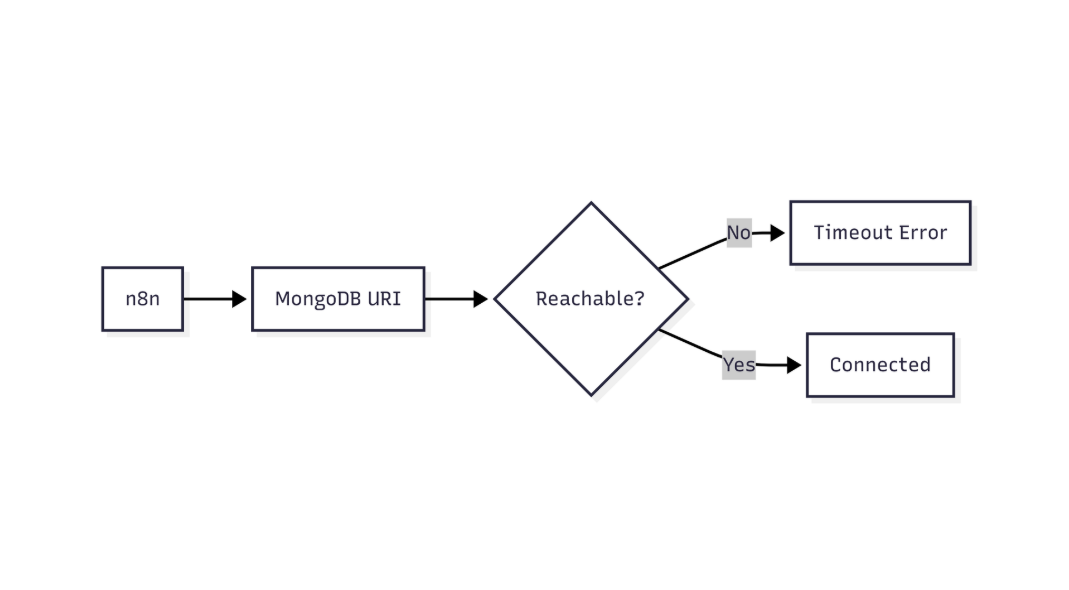
This flow shows how n8n validates MongoDB connectivity and identifies network or connection-level failures
| n8n release | Supported MongoDB major versions | Recommended driver | Notes |
|---|---|---|---|
| 0.210.0 – 0.226.0 | 4.0 – 5.0 | 4.5.x | Works with Atlas M0–M10 tiers. |
| 0.227.0 – 0.236.0 | 4.2 – 6.0 | 4.6.x | Adds support for MongoDB 6.0 time‑series collections. |
| 0.237.0 – 0.250.0 | 4.4 – 7.0 | 4.7.x | `retryWrites` defaults to true; requires ≥ 4.4. |
| 0.251.0 – latest | 5.0 – 7.0 | 4.8.x | Drops 4.x support; uses mongodb+srv SRV records. |
EEFA note – Pin the driver version in your Docker image or
package.json. Upgrading the driver independently can re‑introduce incompatibilities.
2. Verifying Your Current n8n and MongoDB Versions
2.1 Check the n8n version
# Docker deployment
docker exec <container_name> n8n --version
# npm installation
n8n --version
2.2 Check the MongoDB version
# Stand‑alone instance
mongo --quiet --eval "db.version()"
# Atlas connection string (replace <connection-string>)
mongosh "<connection-string>" --quiet --eval "db.version()"
EEFA warning – Using a read‑only user on a production replica set will cause the command to fail. Use an admin or
clusterMonitorrole for version checks.
3. Aligning Versions – Step‑by‑Step Upgrade / Downgrade
3.1 n8n newer than MongoDB
- Identify the minimum MongoDB version from the matrix.
- Upgrade MongoDB
- Self‑hosted – Follow the official MongoDB upgrade guide for your OS (e.g.,
apt-get upgrade mongodb-org). - Atlas – In the UI: Cluster version → select target version → Apply Immediately.
- Self‑hosted – Follow the official MongoDB upgrade guide for your OS (e.g.,
- Re‑run the version‑check commands.
- Restart n8n so the driver re‑handshakes.
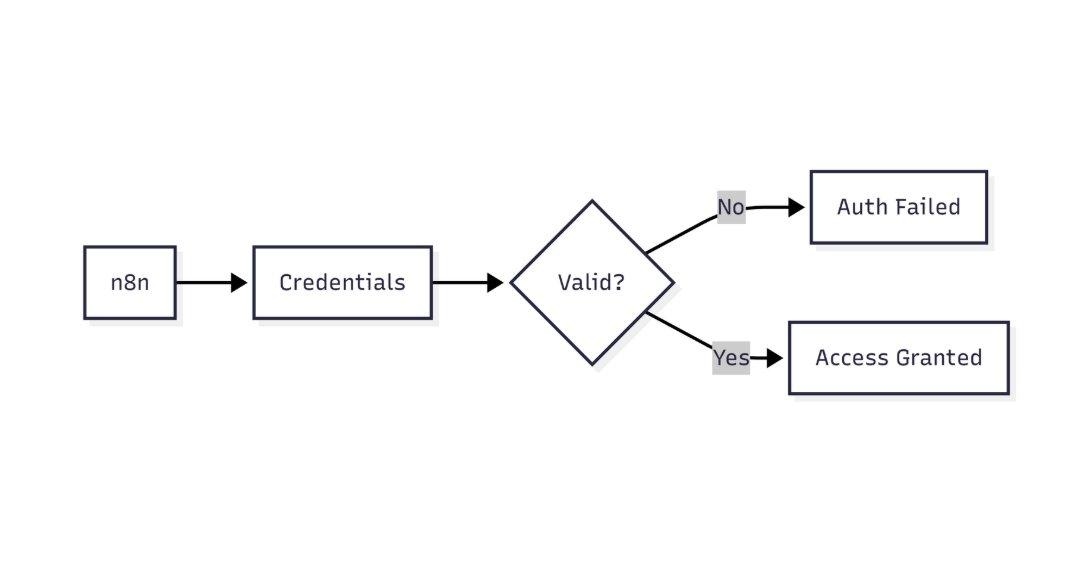
This diagram highlights how n8n verifies MongoDB credentials before allowing database access
3.2 MongoDB newer than n8n
- Pin n8n to a release that supports your MongoDB version (see the matrix).
- Upgrade n8n
# Docker
docker pull n8nio/n8n:<target-tag>
docker compose up -d   # or your orchestrator's redeploy command
# npm
npm install n8n@<target-version>
- Test the connection with a minimal workflow that reads a document.
EEFA tip – Use a semantic version lock in CI/CD (
n8n@^0.251.0) to avoid accidental downgrades when pulling the latest image.
4. Common Pitfalls & Fixes
| Symptom | Likely cause | Fix |
|---|---|---|
| MongoServerSelectionError: server selection timeout | Driver expects a newer wire protocol | Upgrade MongoDB to the minimum version for your n8n release. |
| MongoError: Unsupported server version | n8n older than MongoDB 6.x | Upgrade n8n to ≥ 0.227.0 or downgrade MongoDB to 5.x. |
| Authentication failed after version change | SCRAM‑SHA‑256 required but driver uses SCRAM‑SHA‑1 | Use n8n ≥ 0.237.0 (driver 4.7.x) or enable SCRAM‑SHA‑1 on MongoDB. |
| ReplicaSetNoPrimary during upgrade | Rolling upgrade left no primary reachable | Perform a primary step‑down before upgrading, then verify quorum. |
5. Production‑Ready Configuration Checklist
- Pin n8n version in Docker compose / Helm (
image: n8nio/n8n:0.251.0). - Pin MongoDB driver if you build a custom Docker image (
N8N_NODE_FUNCTION_ALLOW_EXTERNAL=…). - Enable TLS (
mongodb+srv://…withtls=true). - Set
retryWrites=trueonly when MongoDB ≥ 4.4.
Health‑check snippet
# docker‑compose.yml excerpt
healthcheck:
  test: ["CMD", "curl", "-f", "http://localhost:5678/healthz"]
  interval: 30s
  timeout: 5s
  retries: 3
- Document the version matrix in an internal wiki and schedule a quarterly review.
6. Debugging Version Mismatch Without Restart
When a zero‑downtime rollout is required, you can surface the driver‑detected server version from a Node Function:
// Node Function – load MongoDB client
const { MongoClient } = require('mongodb');
const uri = $env.MONGODB_URI;   // defined in n8n credentials
const client = new MongoClient(uri, { useUnifiedTopology: true });
// Connect and fetch buildInfo
await client.connect();
const adminDb = client.db().admin();
const info = await adminDb.command({ buildInfo: 1 });
// Return a concise compatibility report
return {
  serverVersion: info.version,
  driverVersion: require('mongodb/package.json').version,
  compatible: /^[4-7]\./.test(info.version),
};
The node’s execution log will display a JSON payload, confirming whether the connected MongoDB falls inside the supported range no service restart needed. When integrating MongoDB with n8n, watch for compatibility and performance issues such as data type mismatch, version compatibility, or connection pool exhaustion can be resolved in n8n mongodb connection pool exhausted error.
Next Steps:
- Implementing Change Streams – requires MongoDB 4.2+ and n8n 0.227+.
- Securing MongoDB with IAM (Atlas) – see the *n8n MongoDB IAM Integration* child page.
- Scaling n8n Workers with Sharded MongoDB Clusters – advanced architecture guide.
Conclusion
Keeping n8n and MongoDB versions in lockstep eliminates startup failures, runtime errors, and hidden data‑integrity risks. By pinning both the n8n release and its bundled MongoDB driver, regularly verifying the server version, and following the upgrade checklist, you ensure a stable, production‑ready workflow automation platform. The compatibility matrix, health‑check, and on‑the‑fly Node Function give you the tools to maintain this alignment with minimal downtime.