Step by Step Guide to solve n8n MongoDB Incorrect Data Type Error
Who this is for: n8n users who interact with MongoDB collections that enforce strict schemas (e.g., NumberInt, ObjectId, Boolean) and need a reliable way to eliminate BSON type‑mismatch errors. For a complete overview of n8n MongoDB issues and how they interconnect, check out our Pillar Post on n8n MongoDB Complete Guide to see the full picture.
Quick Diagnosis
| Step | Action |
|---|---|
| 1 | Locate the field named in the error (e.g., age). |
| 2 | Convert the value inside MongoDB with an aggregation $convert stage or coerce it in n8n with a Set node. |
| 3 | Re‑run the workflow; the type now matches the collection schema. |
| 4 | (Optional) Add a validation Code node to catch future mismatches early. |
1. What Triggers the “Incorrect Data Type” Error in n8n?
| Situation | MongoDB Expected Type | n8n Supplied Type |
|---|---|---|
Insert age: "30" (string) where age is NumberInt |
NumberInt / Double | String |
Query _id: "5f8d0d55b54764421b7156c5" (string) instead of ObjectId |
ObjectId | String |
Update isActive: "true" (string) where the field is Boolean |
Boolean | String |
*The driver validates the payload before MongoDB runs the operation; a type clash aborts the request.*
2. Root Causes Specific to n8n
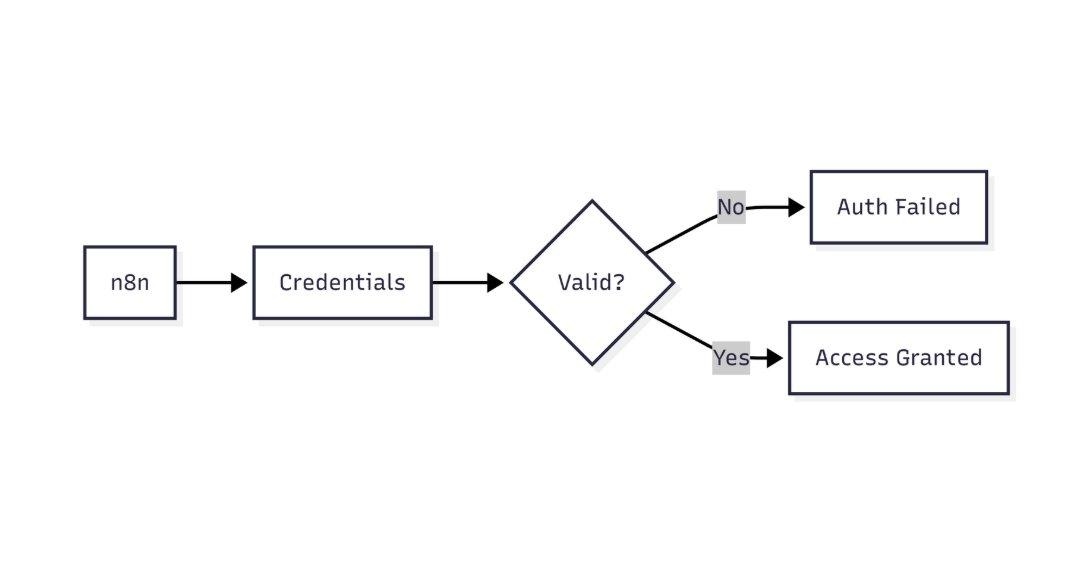
This diagram highlights how n8n verifies MongoDB credentials before allowing database access
| Root Cause | Why It Happens in n8n | Example |
|---|---|---|
| Dynamic data from previous nodes | Values arrive as strings from HTTP Request, CSV, Google Sheets, etc. | {{ $json["age"] }} → "27" |
| Missing “Cast” option in MongoDB node | The node forwards raw JSON; no automatic conversion like Mongoose. | Inserting { age: "27" } into a numeric field. |
Using $set in an aggregation pipeline without $convert |
$set alone preserves the original type. |
{ $set: { age: "$age" } } keeps the string. |
3. Step‑by‑Step Fixes
3.1. Cast Inside MongoDB (Preferred for Bulk Operations)
Micro‑summary: Add a conversion stage to the aggregation pipeline so MongoDB returns correctly typed fields before the insert/update node runs.
- Open the MongoDB node → Operation → Aggregation.
- Insert an
$addFieldsstage that converts the problematic field.
{
  "$addFields": {
    "age": {
      "$convert": {
        "input": "$age",
        "to": "int"
      }
    }
  }
}
EEFA Note: Omitting onError/onNull defaults to null, which drops the document if conversion fails. For production, log the original value first ($addFields: { ageTmp: "$age" }) then handle errors in a later stage. If you find any n8n mongodb version compatibility issues during the error correction check this out: n8n mongodb version compatibility issues.
- Run the workflow; the aggregation now yields a correctly typed document for the subsequent Insert or Update node.
3.2. Coerce in n8n Before the MongoDB Call
Micro‑summary: Use a Set node to cast values to the exact types MongoDB expects.
- Add a Set node directly before the MongoDB node.
- In the Values table, map each problematic field with a JavaScript expression:
| Field | Value (Expression) |
|---|---|
| age | {{ Number($json["age"]) }} |
| _id | {{ $json["_id"] ? new ObjectId($json["_id"]) : undefined }} |
| isActive | {{ $json["isActive"] === "true" }} |
(Optional) Use a tiny Function node to keep the logic in one place:
// Convert fields to the required MongoDB types
return {
  age: Number($json["age"]),
  _id: $json["_id"] ? new ObjectId($json["_id"]) : undefined,
  isActive: $json["isActive"] === "true"
};
EEFA Warning: ObjectId construction requires the mongodb package. In n8n.cloud it’s built‑in; on self‑hosted Docker ensure npm install mongodb is present.
4. Connect the Set node’s output to the MongoDB node. The payload now matches the collection schema.
3.3. Validate the Result
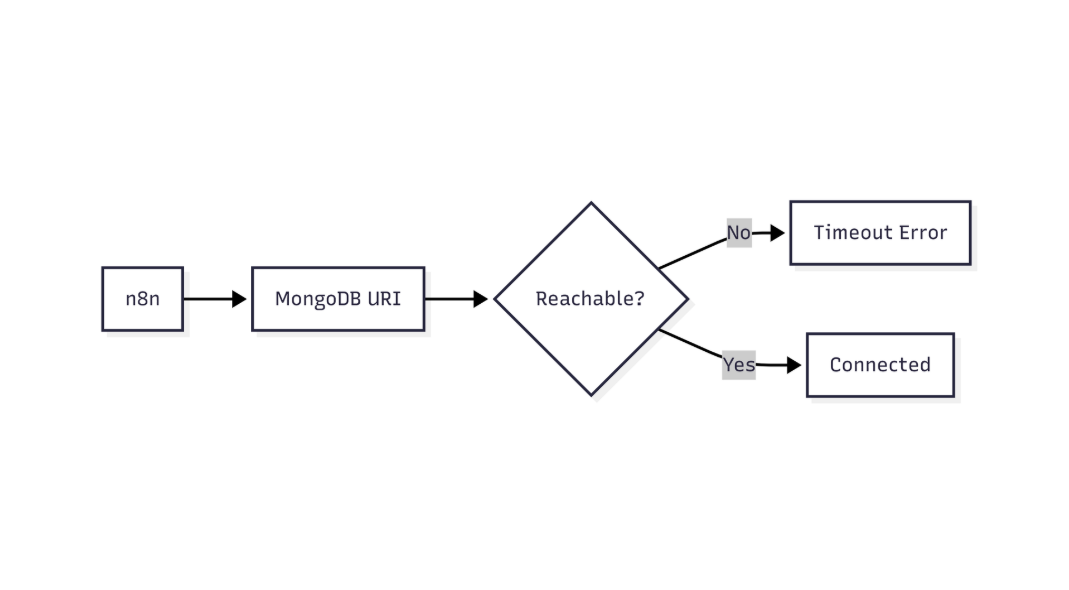
This flow shows how n8n validates MongoDB connectivity and identifies network or connection-level failures
Add a Code node after the MongoDB operation to verify the conversion:
if (item.json.age && typeof item.json.age !== "number") {
  throw new Error("Age is still not a number!");
}
return item;
If the workflow passes this node, the type mismatch is resolved.
4. Checklist – Did You Cover All Angles?
| Covered | Action |
|---|---|
| Identify | Pinpoint every field that triggered a type error (check the log). |
| Choose | Decide whether conversion happens in MongoDB (aggregation) or in n8n (Set node). |
| Test | Run the workflow with a single document before scaling to bulk operations. |
| Validate | Insert a Code node to catch future mismatches early. |
| Document | Record the conversion logic in the workflow description for team visibility. |
5. Preventing Future Mismatches
| Prevention Technique | Implementation in n8n |
|---|---|
| Schema‑first design | Store the collection’s JSON schema in a Static Data node; reference it in Set nodes to auto‑cast. |
| Typed input nodes | Enable “Parse JSON” on the **HTTP Request** node with a schema definition to enforce numeric types. |
| Reusable conversion function | Create a **Function** node that receives a map like { age: "int", isActive: "bool" } and returns a typed object. |
| Monitoring | Hook a **Webhook** to MongoDB change‑stream events; forward any BSON type mismatch errors to an external monitoring service. |
6. Real‑World Example – Converting a CSV‑Derived price Field
Scenario: A CSV file provides price as "12.99" (string). The products collection expects price as Decimal128.
- CSV node → outputs
price: "12.99". - Set node (cast to Decimal128):
const { Decimal128 } = require("mongodb");
return { price: Decimal128.fromString($json["price"]) };
- MongoDB node → Insert into
products.
Result: No type‑mismatch error; price stored with full precision.
EEFA Insight: Decimal128 conversion is expensive. Use it only when exact financial precision is required; otherwise store as double and cast with $toDouble.
Conclusion
BSON type‑mismatch errors arise when n8n forwards values that don’t align with a collection’s schema. By either converting the data inside MongoDB using $convert or coercing it in n8n with a Set (or Function) node, you guarantee type fidelity. Adding a lightweight validation step and documenting the conversion logic turns a one‑off fix into a repeatable, production‑ready pattern. Apply the checklist and prevention techniques to keep future workflows error‑free and performant. When integrating MongoDB with n8n, watch for compatibility and performance issues such as data type mismatch, version compatibility, or connection pool exhaustion refer this: n8n mongodb connection pool exhausted error.