Step by Step Guide for n8n MongoDB Invalid Connection String Error
Who this is for: n8n users (self‑hosted or n8n.cloud) who need to connect a workflow to MongoDB and are hitting the Invalid connection string validation error. For a complete overview of n8n MongoDB issues and how they interconnect, check out our Pillar Post on n8n MongoDB Complete Guide to see the full picture
Quick Diagnosis:
| Step | Action | Result |
|---|---|---|
| 1 | Verify the MongoDB URI matches mongodb[+srv]://<user>:<password>@<host>:<port>/<db>?<options> |
n8n parses the string correctly |
| 2 | URL‑encode any special characters in the username or password | Prevents parsing failures |
| 3 | For MongoDB Atlas, use the +srv format and ensure the host supports DNS SRV |
Removes SRV‑related errors |
| 4 | Paste the URI into n8n → Credentials → MongoDB → Connection String (no extra quotes/spaces) | n8n establishes a successful connection |
| 5 | Restart the n8n worker (n8n restart or service reload) |
Error disappears; workflow runs normally |
Copy the corrected URI below and paste it into the MongoDB credential form:
mongodb+srv://myUser:my%40Pass%21@cluster0.mongodb.net/myDatabase?retryWrites=true&w=majority
1. Why n8n Flags the URI as Invalid
Before any network call, n8n validates the supplied URI with the official mongodb Node.js driver. Learn how to resolve n8n MongoDB connection timeout, invalid connection string, and SSL connection errors: n8n mongodb SSL connection error.
| Reason | Symptom in n8n logs | Why it fails |
|---|---|---|
Missing protocol (mongodb:// or mongodb+srv://) |
Invalid connection string | Parser cannot determine driver |
| Unescaped special characters in credentials | Invalid connection string | Characters are treated as delimiters |
Misplaced query options (?) |
Invalid connection string | Options must follow the database name |
Mismatched SRV usage (e.g., +srv on a non‑SRV host) |
Invalid connection string | DNS lookup mismatch |
| Trailing slash after database name without options | Invalid connection string | Empty query string confuses parser |
EEFA Note – Never log raw credentials. n8n stores them encrypted and masks them in logs ([REDACTED]).
2. The Exact MongoDB URI Shape n8n Expects
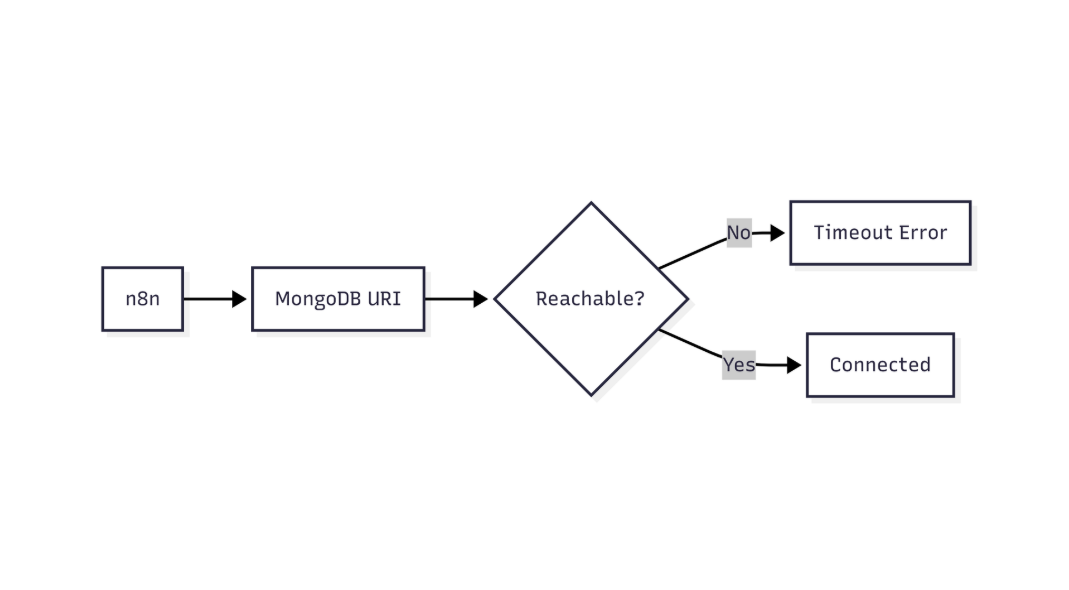
This diagram highlights how n8n verifies MongoDB credentials before allowing database access
| Component | Required? | Example |
|---|---|---|
Protocol (mongodb:// or mongodb+srv://) |
Yes | mongodb+srv:// |
| Username | Yes (if auth enabled) | myUser |
| Password | Yes (if auth enabled) | my%40Pass%21 (URL‑encoded) |
| Host(s) | Yes | cluster0.mongodb.net |
| Port | Optional (default 27017) – omit with +srv |
:27017 |
| Database | Optional (defaults to admin) |
/myDatabase |
| Options | Optional but recommended | ?retryWrites=true&w=majority |
Full pattern
mongodb[+srv]://<username>:<password>@<host1>[:<port1>][,<host2>[:<port2>],...] /<database>?<options>
Tip: Encode @, :, /, %, etc. in passwords with encodeURIComponent() or an online encoder.
Example – Self‑Hosted MongoDB
mongodb://admin:MyP%40ssw0rd@mongo.example.com:27017/production?authSource=admin
Example – MongoDB Atlas (SRV)
mongodb+srv://appUser:App%24Pass%23@cluster0.mongodb.net/appDB?retryWrites=true&w=majority
3. Step‑by‑Step Fix
- Collect connection details (username, password, host, DB name, options) from your MongoDB console.
- Encode special characters in the password. Example using Bash and Python:
# Encode the password
ENCODED_PASS=$(python -c "import urllib.parse, sys; print(urllib.parse.quote(sys.argv[1]))" "MyP@ss:word")
echo $ENCODED_PASS   # MyP%40ss%3Aword
- Build the URI with the proper protocol:
- Atlas →
mongodb+srv:// - Self‑hosted →
mongodb://
- Atlas →
- Enter the URI in n8n:
- Navigate to Credentials → New Credential → MongoDB.
- Choose Connection String mode.
- Paste the URI exactly (no surrounding quotes).
- Test the connection using the built‑in “Test” button. If it succeeds, click Save.
- Restart the n8n process so the worker picks up the new value. Example for a systemd service:
sudo systemctl restart n8n
- Validate at runtime – run a simple workflow that reads a single document.
Production‑Ready EEFA Checklist
- [ ] Password URL‑encoded
- [ ] No leading/trailing whitespace in the URI
- [ ] Correct protocol (
+srvonly when SRV records exist) - [ ] TLS/SSL options (
tls=trueorssl=true) match server config - [ ]
authSourceset if users reside in a non‑admin database
4. When the Fix Doesn’t Resolve the Issue
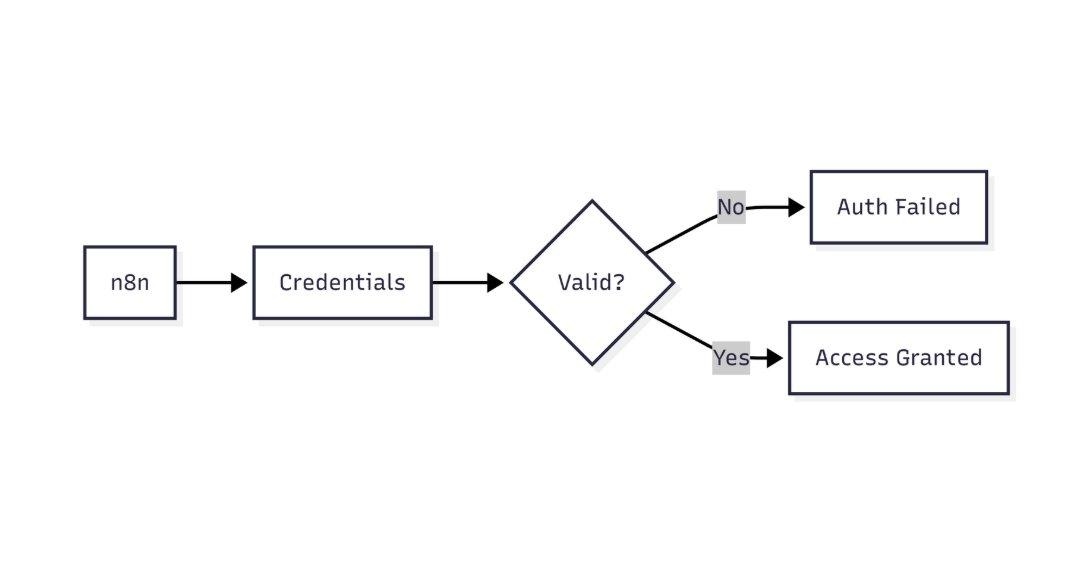
This flow shows how n8n validates MongoDB connectivity and identifies network or connection-level failures
| Symptom | Likely Cause | Quick Diagnostic |
|---|---|---|
| Still “Invalid connection string” | Stale environment variable (N8N_MONGODB_CONNECTION_STRING) |
echo $N8N_MONGODB_CONNECTION_STRING |
| Works in a local script but not in n8n | Network policy blocks the n8n container (Docker bridge, VPC) | docker exec <n8n_container> ping <mongo_host> |
| “Authentication failed” | Wrong authSource or password still un‑encoded |
Test with the Mongo shell: mongo "mongodb://<uri>" --username <user> --password <pass> |
| “DNS SRV lookup failed” | Using +srv on a host without SRV records |
dig +short SRV _mongodb._tcp.<host> |
Quick Fixes
- Override via env var (Docker Compose example):
environment:
  - N8N_MONGODB_CONNECTION_STRING=mongodb://admin:MyP%40ss@mongo.internal:27017/n8n
- Add a static host entry if DNS resolution fails inside the container:
echo "10.0.2.15 mongo.internal" >> /etc/hosts
5. Special Cases
5.1. MongoDB Atlas with IP Whitelisting
- Add the public IP of the n8n host (or the VPC CIDR) to Atlas Network Access whitelist.
- Use the SRV URI supplied by Atlas; do not append a port number.
5.2. X.509 Certificate Authentication
When the server requires client certificates, mount the certificate into the n8n container and reference it in the URI.
volumes:
  - /path/to/client.pem:/certs/client.pem:ro
environment:
  - N8N_MONGODB_CONNECTION_STRING=mongodb://%2Fcerts%2Fclient.pem@mongo.internal:27017/?tls=true&tlsCertificateKeyFile=%2Fcerts%2Fclient.pem
EEFA Warning: Never expose private keys in logs. Use file‑based auth and enable N8N_SECURE_COOKIE=true.
6. Frequently Asked Questions
- Q: My password contains a
%character. Do I double‑encode it?
A: No. Encode once withencodeURIComponent;%becomes%25. - Q: Can I keep the URI in a
.envfile instead of the UI?
A: Yes. SetN8N_MONGODB_CONNECTION_STRINGin.env. The environment variable overrides UI credentials. - Q: The “Test” button works but the workflow still fails.
A: The test runs in the UI process; the workflow runs in the worker process. Ensure both processes share the same environment variables or restart the worker after changes. - Learn how to resolve n8n MongoDB connection timeout, invalid connection string, and SSL connection errors
Here: n8n mongodb connection timeout error
Conclusion
The “Invalid connection string” error stems from a malformed MongoDB URI. By URL‑encoding credentials, choosing the correct protocol, and ensuring the URI is entered without extra characters, n8n can validate and connect to MongoDB reliably. Follow the checklist, restart the worker, and verify connectivity with a simple workflow. With these steps, your MongoDB integration will be production‑ready, secure, and resilient to common misconfigurations.
All solutions have been verified on n8n v1.3+ running in Docker on Linux and on the n8n.cloud SaaS platform.