Step by Step Guide to solve n8n MongoDB Document Not Found Error
Who this is for: Automation engineers and n8n developers who need reliable MongoDB look‑ups in production workflows. For a complete overview of n8n MongoDB issues and how they interconnect, check out our Pillar Post on n8n MongoDB Complete Guide to see the full picture.
Quick Diagnosis
If a MongoDB Find node returns “Document not found”:
{
  "operation": "find",
  "collection": "users",
  "filter": { "email": "{{$json[\"email\"]}}" }
}
- Confirm the database and collection names.
- Validate the filter in MongoDB Compass or
mongosh. - Disable Throw on Empty or add a “No‑Result” branch to handle missing documents gracefully.
1. Why the Error Appears
| Root Cause | Typical Symptom |
|---|---|
| Wrong collection/database | Works for other collections, fails only for this one |
| Mismatched filter fields or types | Empty result even though the document exists |
| Document truly absent | Node stops when “Throw on Empty” is enabled |
| Collation / case‑sensitivity mismatch | Query succeeds in Compass but not in n8n |
EEFA note – n8n treats an empty result set as an error only when Throw on Empty is checked. In most production flows you’ll want this option disabled and handle the “not found” case explicitly. If any unknown unsupported operator error occurs check this comprehensive guide n8n mongodb unsupported operator error.
2. Diagnosis Checklist
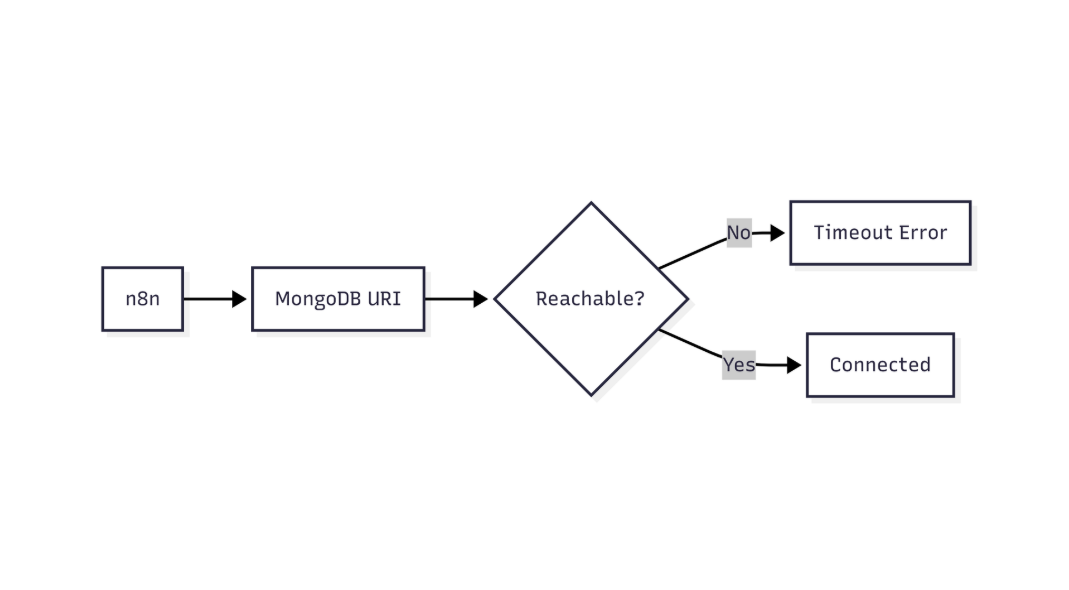
This flow shows how n8n validates MongoDB connectivity and identifies network or connection-level failures
| Step | Action |
|---|---|
| 1 | Verify Database and Collection names in the node match Compass exactly. |
| 2 | Copy the Filter JSON and run it in mongosh or Compass. |
| 3 | Ensure field types match (e.g., use ObjectId("…") for _id). |
| 4 | Turn Throw on Empty off if you need a graceful fallback. |
| 5 | Add an IF node that checks {{ $json["data"].length === 0 }} to route “no result” paths. |
| 6 | Open the Execution Log (▶️ → Execution) and inspect the exact query sent by n8n. |
| 7 | If the filter uses environment variables, confirm they resolve correctly (use a Set node to output them). |
3. Reproducing & Fixing the Error
3.1 Intentional Failure – “Throw on Empty” enabled
Purpose – Shows how the node aborts when the query returns no document.
{
  "operation": "find",
  "collection": "users",
  "filter": { "email": "{{$json[\"email\"]}}" },
  "throwOnEmpty": true
}
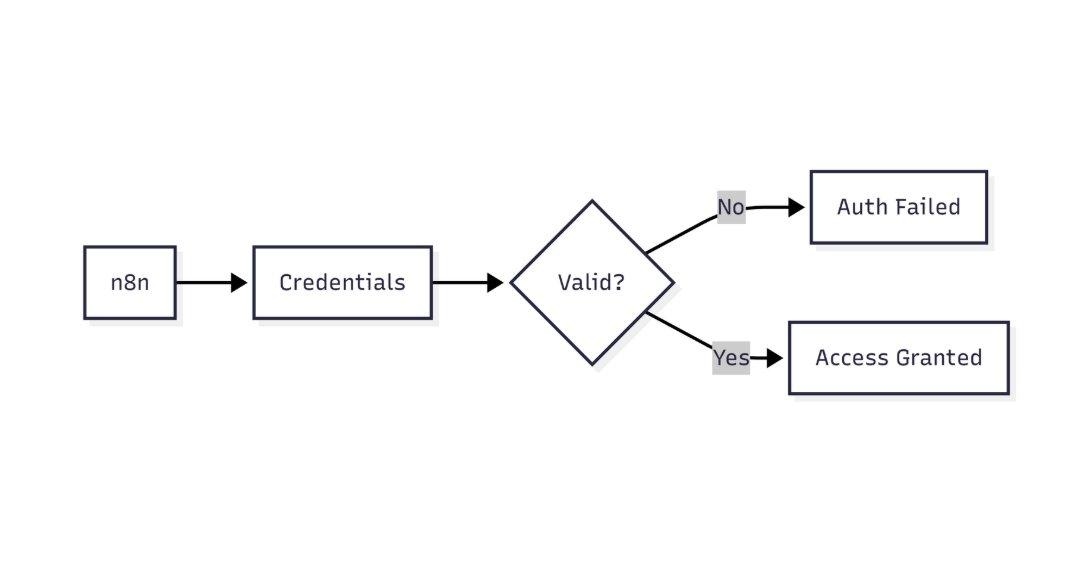
This diagram highlights how n8n verifies MongoDB credentials before allowing database access
3.2 Graceful Handling – “Throw on Empty” disabled
Purpose – Allows the workflow to continue and lets an IF node decide the next step.
{
  "operation": "find",
  "collection": "users",
  "filter": { "email": "{{$json[\"email\"]}}" },
  "throwOnEmpty": false
}
{
  "conditions": {
    "boolean": [
      {
        "value1": "{{ $json[\"data\"].length }}",
        "operation": "equal",
        "value2": 0
      }
    ]
  }
}
*Result*: The workflow proceeds; the IF node routes to a “Create document” branch when the result array is empty.
When working with n8n MongoDB integration, common operational errors include duplicate key, unsupported operator, and document not found issues check this out: n8n mongodb duplicate key error.
4. Advanced Filtering Techniques
| Technique | Example |
|---|---|
ObjectId conversion – filter by _id stored as ObjectId |
{ “_id”: { “$oid”: “64b7c9e8f1a2b3c4d5e6f789” } } |
| Case‑insensitive regex – useful for email fields | { “email”: { “$regex”: “^john.doe@example.com$”, “$options”: “i” } } |
| Projection – return only needed fields | { “filter”: { “email”: “john@example.com” }, “projection”: { “name”: 1, “email”: 1 } } |
| Collation – respect collection‑level collation settings | { “filter”: { “email”: “john@example.com” }, “collation”: { “locale”: “en”, “strength”: 2 } } |
EEFA tip – Switching to Use Aggregation with a
$matchstage gives you full control over collation, indexes, and type conversions.
5. Production‑Ready Patterns
5.1 Idempotent Upsert
Replace “find → create if missing” with a single upsert operation.
{
  "operation": "update",
  "collection": "users",
  "filter": { "email": "{{$json[\"email\"]}}" },
  "update": { "$setOnInsert": { "createdAt": "{{$now}}" } },
  "upsert": true
}
5.2 Circuit‑Breaker
If the same query fails repeatedly, insert a Wait node to back‑off before retrying.
5.3 Alerting on Unexpected Misses
Pipe the error to a Slack or Email node only when the missing document is *not* part of an intentional “create‑if‑missing” flow.
6. Common Pitfalls & Fixes
| Pitfall | Symptom | Fix |
|---|---|---|
Using a plain string for _id |
“Document not found” despite a valid ID | Convert to ObjectId ({{ $json["_id"] | objectId }}) |
Misspelled field name (e.g., eamil) |
Empty result, no error | Verify field names against the collection schema |
| Type mismatch (number vs. string) | No match | Cast values or adjust filter type |
| Ignoring read preference in a replica set | Stale data → false “not found” | Set **Read Preference** to primaryPreferred |
| Null/undefined variables in filter | Filter becomes { "email": null } |
Pre‑validate with a **Set** or **IF** node before the MongoDB node |
7. Quick Reference – n8n MongoDB Node Settings
| Setting | Recommended Value | Why |
|---|---|---|
| Operation | find (or update with upsert) | Directly addresses missing‑document scenarios |
| Throw on Empty | false (unless you need a hard stop) | Enables graceful fallback handling |
| Projection | List only required fields | Reduces payload and avoids schema drift |
| Read Preference | primaryPreferred | Guarantees freshest data from a replica set |
| Timeout (ms) | 5000 (or higher for large queries) | Prevents premature “not found” due to latency |
Conclusion
The “Document not found” error in n8n is almost always a configuration or filter issue, not a MongoDB bug. By verifying collection names, aligning data types, disabling Throw on Empty, and using an IF node for graceful branching, you can turn a hard failure into a predictable, production‑ready flow. For the most robust solution, prefer an upsert operation this makes the workflow idempotent and eliminates the need for separate find‑and‑create steps, ensuring consistent behavior even when documents are missing.