Step by Step Guide for n8n MongoDB Connection Timeout
Who this is for: n8n users running MongoDB nodes in Docker, Kubernetes, or on‑premise environments who encounter MongoNetworkError: connection timed out. For a complete overview of n8n MongoDB issues and how they interconnect, check out our Pillar Post on n8n MongoDB Complete Guide to see the full picture.
Quick Diagnosis
Problem – The MongoDB node cannot open a TCP socket within the default 30 s, resulting in MongoNetworkError: connection timed out.
Quick fix
- Verify host/port reachability (
telnet <host> <port>). - Add a higher
socketTimeoutMS(e.g., 60000) in MongoDB node → Advanced Settings. - If n8n runs in Docker/K8s, expose the port and allow outbound traffic in the container’s network policy.
- Restart the workflow – the error should disappear.
Why the Timeout Happens
| Root cause | Manifestation in n8n |
|---|---|
| Network latency / firewall block | MongoNetworkError: connection timed out after 30 s |
| Incorrect host or port | Same error, but connection never establishes |
| MongoDB server overload | Timeout even though network is open |
| Docker/K8s network isolation | Container cannot reach external DB |
| TLS handshake delay | Timeout only when SSL enabled |
EEFA note – Timeouts are symptomatic; they rarely indicate a bug in n8n itself. The fix is almost always a network or server‑side configuration change. SSL Connection Errors can be resolved using n8n mongodb SSL connection error Guide.
Step‑By‑Step Troubleshooting Checklist
1. Test network connectivity
ping mongo.example.com
telnet mongo.example.com 27017
If telnet hangs, the network path is blocked.
2. Verify credentials (optional)
mongo "mongodb://user:pass@mongo.example.com:27017/admin"
Works → credentials are correct; fails → fix authentication before proceeding.
Learn how to resolve n8n MongoDB connection timeout, invalid connection string, and SSL connection errors.
Here: n8n mongodb invalid connection string error
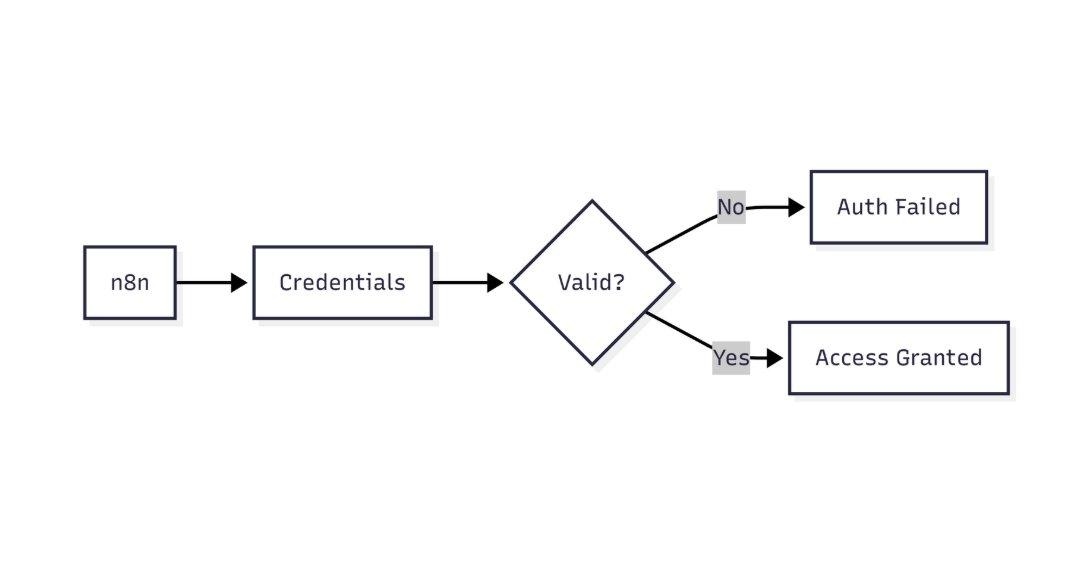 This diagram highlights how n8n verifies MongoDB credentials before allowing database access
3. Inspect n8n logs (Docker example)
docker logs n8n | grep "MongoNetworkError"
Look for repeated timeout entries.
4. Increase socket timeout in the node
Context – Extends the wait window for the driver.
{
  "socketTimeoutMS": 60000
}
Context – Adjusts the TCP handshake timeout (optional).
{
  "connectTimeoutMS": 30000
}
Paste the JSON objects into MongoDB node → Advanced Settings → Additional Options.
5. Test container‑level connectivity
docker exec -it n8n curl -s http://mongo.example.com:27017
kubectl exec -it n8n-pod -- curl -s mongo-service:27017
Successful response → container can reach the DB.
6. Review firewall / security groups
| Cloud | Action |
|---|---|
| AWS | Add inbound rule for port 27017 on the n8n EC2 instance. |
| GCP | Allow egress to the MongoDB VPC on port 27017. |
| Azure | Update NSG to permit traffic from n8n subnet. |
7. Confirm MongoDB server health (if you control it)
mongo --eval "db.serverStatus().connections"
Check connections.current vs connections.available.
8. Restart the workflow
After each change, stop and start the workflow to clear cached connections.
Quick‑Fix Summary Table
| Change | Where to apply | Expected impact |
|---|---|---|
| socketTimeoutMS: 60000 | MongoDB node → Advanced Settings | Prevents premature timeout |
| connectTimeoutMS: 30000 | Same location | Extends TCP handshake window |
| Open port 27017 in firewall | Cloud console / iptables | Allows traffic to reach DB |
| –network=host (Docker) | docker run command | Removes container isolation for testing |
| VPN / VPC peering | Network architecture | Guarantees low‑latency path |
Configuring the MongoDB Node for Timeouts
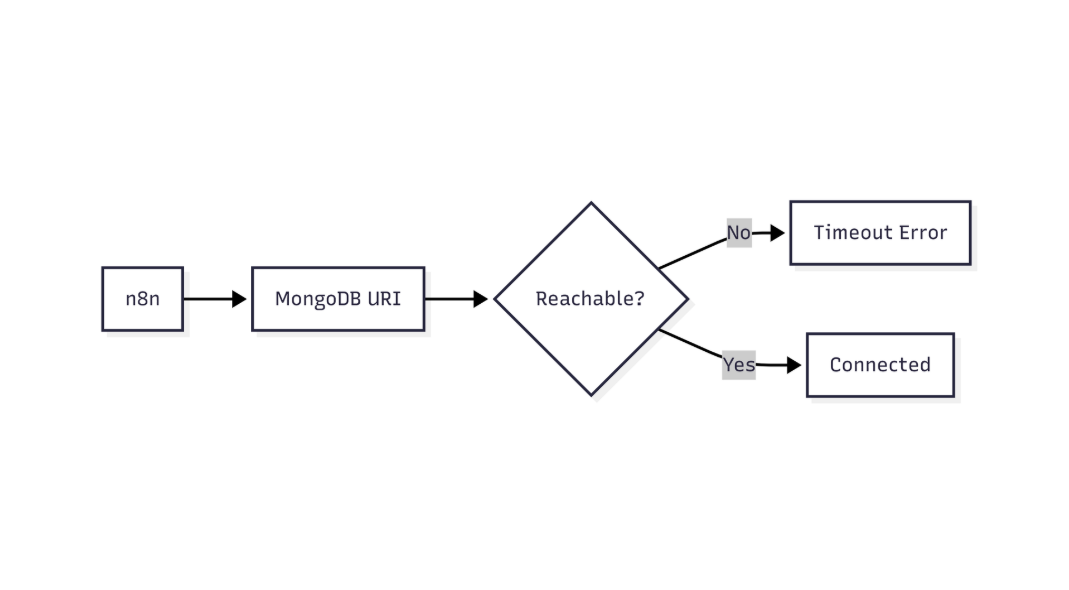
This flow shows how n8n validates MongoDB connectivity and identifies network or connection-level failures
Full options object – copy the JSON into the Additional Options field.
{
  "socketTimeoutMS": 60000,
  "connectTimeoutMS": 30000,
  "retryWrites": true,
  "tls": true,
  "tlsAllowInvalidCertificates": false
}
The driver receives these flags directly, so any supported option works.
Real‑World Production Tips (EEFA)
- Cap socket timeout – keep
socketTimeoutMS≤ 5 min to avoid thread starvation. - Enable server‑side monitoring –
db.enableFreeMonitoring()helps spot connection spikes. - Managed MongoDB services – ensure the n8n host’s public IP is whitelisted (Atlas, CosmosDB, etc.).
- Docker networking – create a dedicated network (
docker network create n8n-net) and attach both n8n and MongoDB containers to it instead of usinglocalhost.
Example Workflow Snippet – “Sync New Orders to MongoDB”
Node parameters (insert operation)
{
  "operation": "insert",
  "collection": "orders",
  "document": "={{$json}}"
}
Credentials reference
{
  "credentials": {
    "mongodb": "MongoDB Account"
  }
}
Timeout overrides for this node
{
  "socketTimeoutMS": 60000,
  "connectTimeoutMS": 30000
}
Combine the three blocks inside the node definition; the options block guarantees tolerance for longer latency.
Next Steps
- Optimize MongoDB connection pooling – learn to set
maxPoolSizefor high‑concurrency workflows. - Secure TLS connections – import custom CA bundles into n8n Docker containers.
- Monitor n8n performance – use the Prometheus exporter to detect recurring timeout spikes.
Conclusion
Connection timeouts in n8n’s MongoDB node are almost always caused by network reachability, firewall rules, or insufficient driver timeouts. By confirming connectivity, widening the socket/connection timeouts, and ensuring container networking is correctly configured, the error disappears without code changes. Apply the timeout limits judiciously, keep your firewall rules tight, and monitor MongoDB health to maintain a reliable production workflow.