Step by Step Guide to solve n8n OAuth2 Token Refresh Error
Who this is for: n8n developers and workflow engineers who use OAuth2‑protected APIs in production environments and need a reliable way to handle token‑refresh failures. We cover this in detail in the n8n API Integration Errors Guide.
Quick Diagnosis
The token‑refresh error in n8n occurs when the stored refresh token is missing, revoked, or out‑of‑date. Fix it by:
- Verifying the OAuth2 credential’s Refresh Token field.
- Re‑authorising the credential (click Connect Account).
- Ensuring the Scope matches the provider’s current API.
- Adding a Retry node or a “Force Refresh” Function node to handle transient 401 responses.
After re‑authorising, run the workflow – the API calls should succeed without further refresh errors.
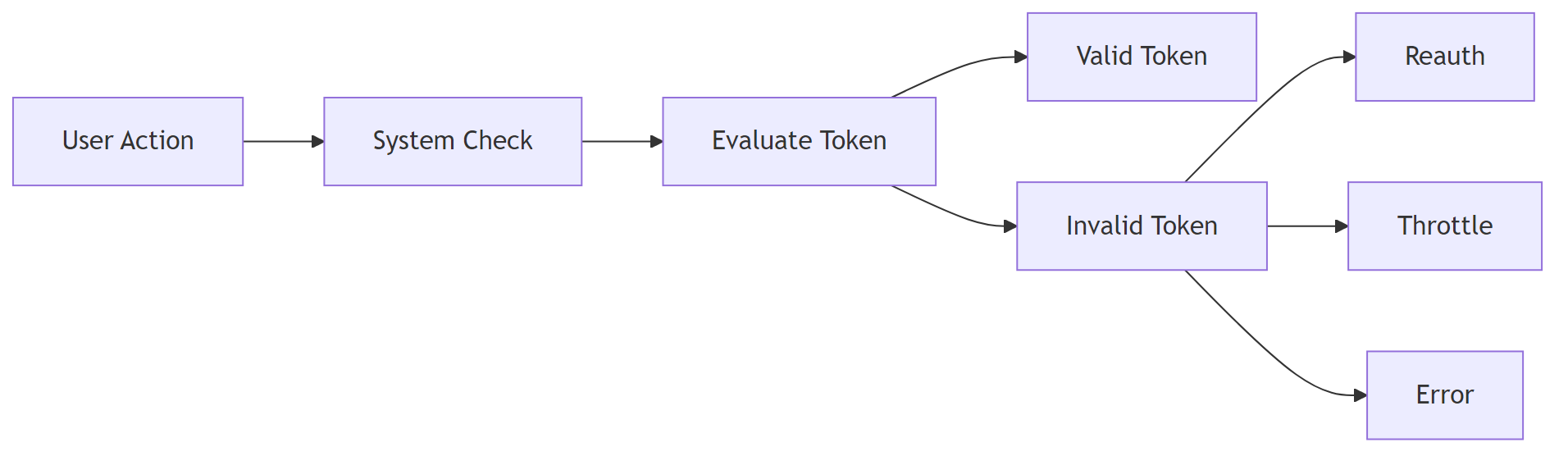
1️⃣ Why n8n’s OAuth2 Token Refresh Fails
| Root Cause | How n8n Detects It | Typical Symptom |
|---|---|---|
| Refresh token missing | credential.refreshToken is empty in the DB |
“Invalid grant type” or “Refresh token not found” error |
| Refresh token revoked | Provider returns invalid_grant on refresh request |
Immediate workflow failure after the first successful call |
| Scope mismatch | New scopes added after credential creation | Provider returns insufficient_scope on refresh |
| Clock drift | JWT exp claim is in the past |
“Token expired” even though refresh succeeded |
| Rate‑limit on token endpoint | 429 response from provider | Refresh attempts are throttled → workflow stalls |
Understanding the exact cause is essential because the remediation differs: some require a UI re‑auth, others need workflow‑level logic.
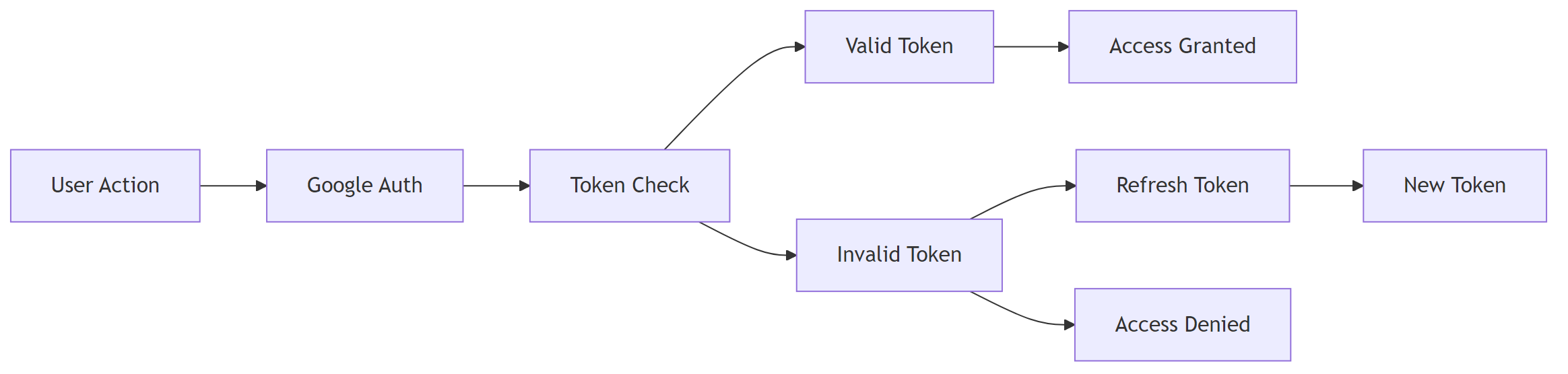
2️⃣ Step‑by‑Step Fix for Each Cause
2.1 Refresh Token Missing or Empty
Micro‑summary – Re‑authorise the credential so n8n can store a fresh refresh token.
- Open Credentials → OAuth2 API in n8n.
- Click Edit → scroll to Refresh Token.
- If the field is blank, click Connect Account to re‑authorise.
- After successful auth, n8n stores the refresh token automatically.
EEFA Note: In production, enable Automatic Token Refresh (see § 2.5) to avoid manual re‑auth.
2.2 Refresh Token Revoked by Provider
Micro‑summary – Delete the stale credential and create a new one.
- Check the token status on the provider’s console (e.g., Google Cloud “OAuth consent screen → Tokens”).
- If revoked, delete the credential in n8n (gear → Delete).
- Re‑create the credential and Connect Account again.
2.3 Scope Mismatch
| Provider | Typical Scope Change | Fix |
|---|---|---|
| Google APIs | Adding https://www.googleapis.com/auth/drive.file |
Edit the credential → Scope field → include the new scope → Connect Account to re‑grant. |
| Salesforce | Adding api to existing refresh_token scope |
Update Scope JSON in the credential and re‑authorise. |
2.4 Server Clock Drift
Micro‑summary – Sync the host’s clock with NTP to keep JWT timestamps valid.
# Install NTP (Ubuntu/Debian)
sudo apt-get install -y ntp
# Enable and start the NTP service
sudo systemctl enable --now ntp
2.5 Implement Automatic Retry & Force‑Refresh Logic
When a 401 (Unauthorized) error occurs, you can programmatically force a token refresh before the next request.
2.5.1 Add a “Retry” node
- Insert a Retry node after the API call.
- Set Maximum Retries = 3, Delay = 5 seconds, Retry on HTTP Code = 401.
2.5.2 Use a Function node to force refresh
Step 1 – Load credentials and guard against missing data
// Load OAuth2 credentials
const cred = await this.getCredentials('myOAuth2Credential');
if (!cred) throw new Error('Missing OAuth2 credentials');
Step 2 – Call the provider’s token endpoint
// Request a new access token using the stored refresh token
const resp = await this.helpers.request({
    method: 'POST',
    url: cred.tokenUrl,
    form: {
        client_id: cred.clientId,
        client_secret: cred.clientSecret,
        grant_type: 'refresh_token',
        refresh_token: cred.refreshToken,
    },
    json: true,
});
Step 3 – Store the new access token for the current execution
if (resp.access_token) {
    // Make the token available to downstream nodes
    this.setWorkflowStaticData('accessToken', resp.access_token);
    return [{ json: { accessToken: resp.access_token } }];
}
throw new Error('Failed to force refresh token');
EEFA Warning – Do not expose client_secret in a public workflow. Store it as an **Environment Variable** (process.env.N8N_OAUTH_CLIENT_SECRET) and reference it via {{$env["N8N_OAUTH_CLIENT_SECRET"]}}.
Connect the **Function** node output to the API node’s **Authentication** field (choose *Custom* and map accessToken).
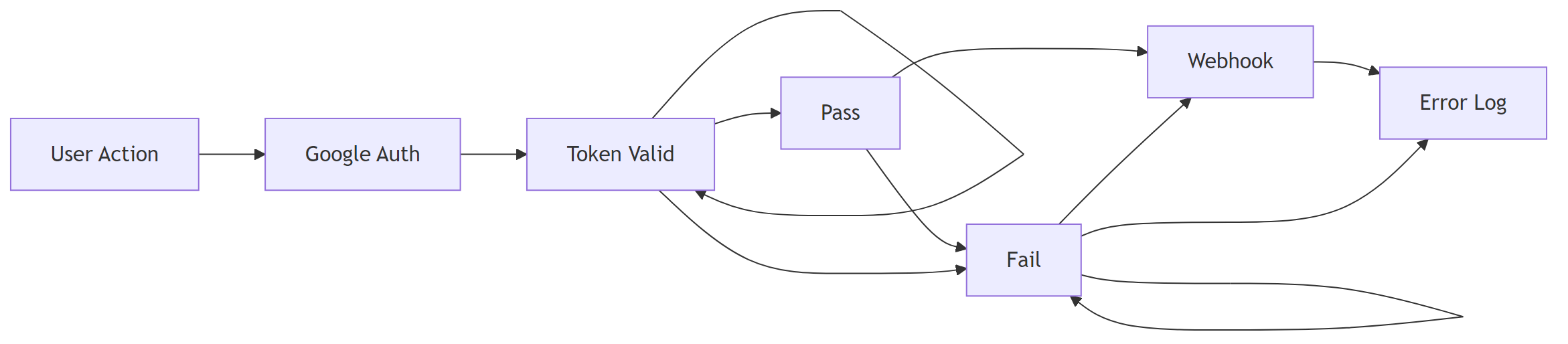
3️⃣ Monitoring & Logging
| Tool | What to Log | Example |
|---|---|---|
| n8n Execution Log | refreshToken usage, error payload |
Refresh token used for request ID 1234 – response: 401 |
| External Sentry (if enabled) | Stack trace of token‑refresh failures | Error: invalid_grant – token revoked |
| Provider Audit Log | Token issuance/revocation events | Google Cloud “OAuth token revoked by user” |
Add a **Set** node after each refresh attempt to push {{ $json }} into a **Webhook** that forwards to your monitoring stack.

4️⃣ Checklist – Quick Validation Before Deploying
- Credential’s Refresh Token field is populated.
- Scopes listed in the credential match the provider’s current API requirements.
- Host system time is synchronised (NTP).
- A Retry node or custom Force Refresh Function is present for 401 responses.
-
client_secretis stored securely (env var or secret manager). - Execution logs are routed to a monitoring service.
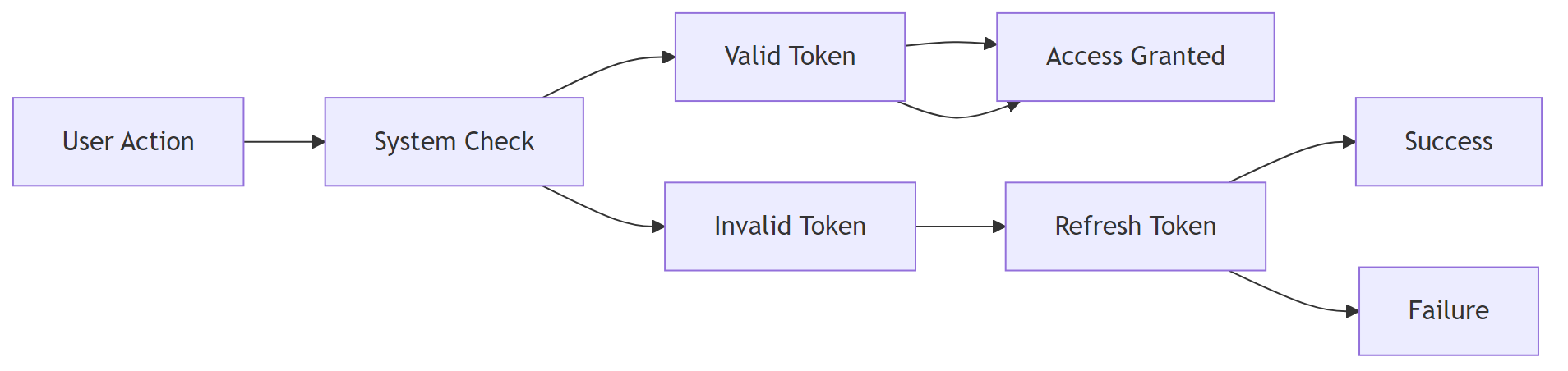
5️⃣ Frequently Asked Questions
| Question | Answer |
|---|---|
| Can I disable automatic token refresh? | Yes, uncheck Auto‑Refresh in the credential settings, but you must then handle refresh manually (see § 2.5). |
| Why does the refresh work once then fail later? | Some providers rotate refresh tokens after each use. Ensure the credential stores the new refresh token returned by the provider (n8n does this automatically if **Auto‑Refresh** is enabled). |
| Is there a limit on how many times I can refresh? | Most providers impose a daily limit (e.g., Google: ~10 k per day). Use the **Retry** node sparingly and respect rate‑limit headers (Retry-After). |
Conclusion
Token‑refresh failures in n8n are almost always traceable to a missing/invalid refresh token, scope drift, clock issues, or provider rate limits. By confirming that the credential stores a valid refresh token, aligning scopes, synchronising server time, and adding a lightweight retry or forced‑refresh function, you eliminate the 401 / invalid‑grant errors that halt workflows. Implement the checklist and monitoring hooks to catch regressions early, and keep your OAuth2 secrets out of the workflow code. This systematic approach ensures your n8n automations stay resilient in real‑world production.